The write way to listen
Published January 28, 2024
I haven’t made a podcast in a good few years now but one part of the process I had a love/hate relationship with has been made so much easier by a new Apple Podcasts feature - auto-generated transcripts. I loved creating the transcripts in collaboration with our incredible community because it was an accessibility feature, it meant we could refer back to the text rather than audio to settle future arguments, and it’s always good to see just how much we prattled on in a physical word count.
The downside was that creating transcripts took ages, as it was a manual process of listening to the shows and typing it all out. And having to sit listening to myself talking for hours on end wasn’t the most pleasant of experiences, you know what it’s like when you hear your own voice played back to you. Is that what I sound like???
In the most recent iOS software update, currently in beta, Apple have solved the problem with a wave of their magic wands, and made the process of creating and using podcast transcripts super easy.
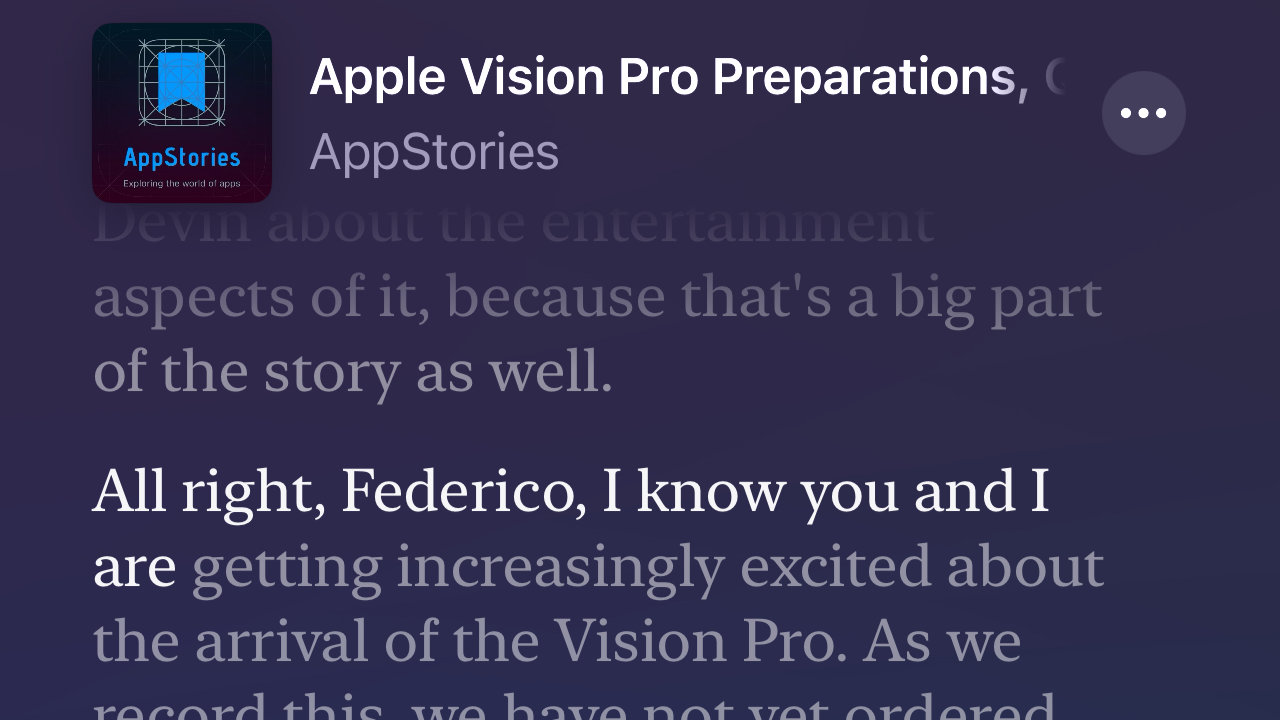
As a user, the transcripts for a podcast episode are available either as a link to read on the show page, or as the episode is playing - similar to the way lyrics scroll when you listen to a song in Apple Music. The transcript is automatically generated, but a content creator has the option of downloading, correcting, and re-uploading the text to make sure there are no spelling errors or that specific wording is accurate.
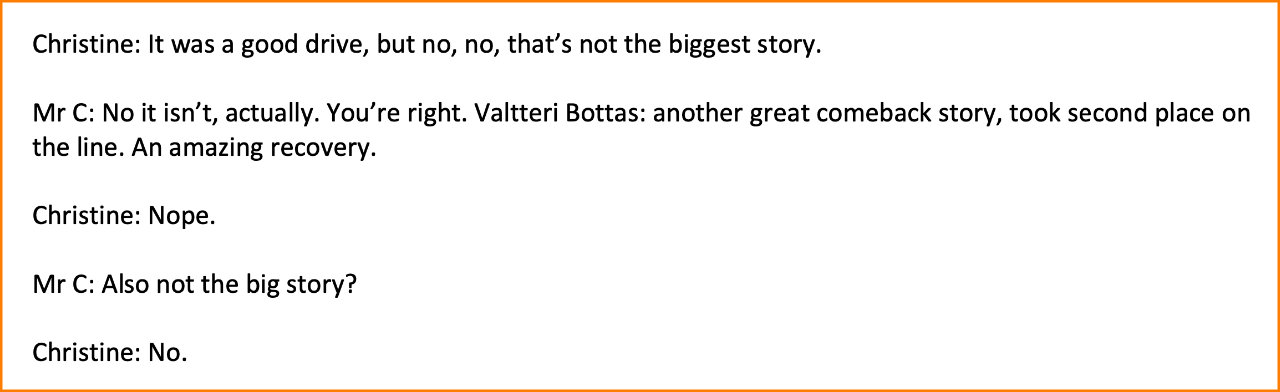
As a creator, that’s all you actually have to do, read it and check it. You can opt out and provide your own transcripts if preferred, but this would at least be a great starting place to save some time. It’s not perfect, as you’d imagine, being a first release and relying on computer-generated text-to-speech that is so much better than it used to be but still has room for improvement. Because it is just transcribing the words, there is no differentiation between speakers, whereas I used to create my transcripts more like a script.
At the moment it’s only for newly uploaded shows, not for entire show archives, although the Apple Support docs suggest they will gradually be working through back catalogues. And whilst you can copy and share the text, there’s not quite the same functionality as with lyrics where you can send a link to someone that will take them to that exact spot in the show. Timestamped links would really put this on the next level.
There have been a few technological advances over the years while I have been a dormant podcast creator and occasionally I have a flicker of wishing I was still making shows to take advantage of them. This one is such a step up from where we were that it is much more than a flicker, if only there were more hours in a day. I’m jealous of the podcast creators getting to use this, but at least I can listen & read all about it from the comfort of the Apple Podcasts app.
