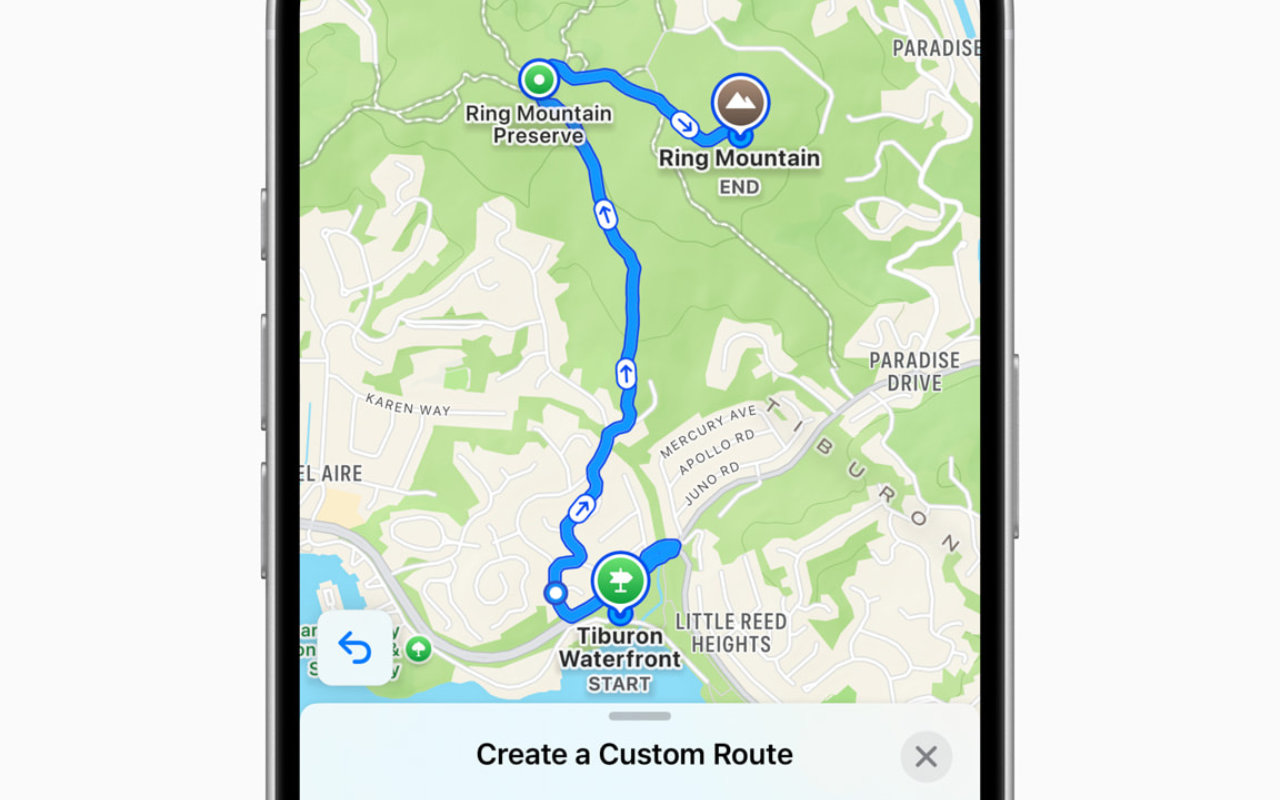
Starting a new custom
Published October 20, 2024
A recent addition to Apple Maps is the option to create a Custom Route, and this is a great integration for me. It’s not new technology to be able to plot a potential walking route for yourself, I’ve been using various options for a while. Being able to plan where you’re going, how far a route is, how long it might take, whether it crosses busy roads, etc. it’s all part of the fun.
Apple have now integrated that into their Maps app, so that from your location, you can plot a route just by tapping around on the map in the direction you want to go. You can plot a lot of points if you want to be in control of every stage of the journey, or just opt for a more vague ‘I want to go here’ tap and let the app figure out the rest. A couple of neat options to reverse the route and close the loop make plotting easier and then you just hit Go to start walking. The turn by turn directions take over and you can enjoy the route.
There’s not much else to say on the subject, other than I love this new feature and will be making the most of it as often as I can.